02 — Open Library
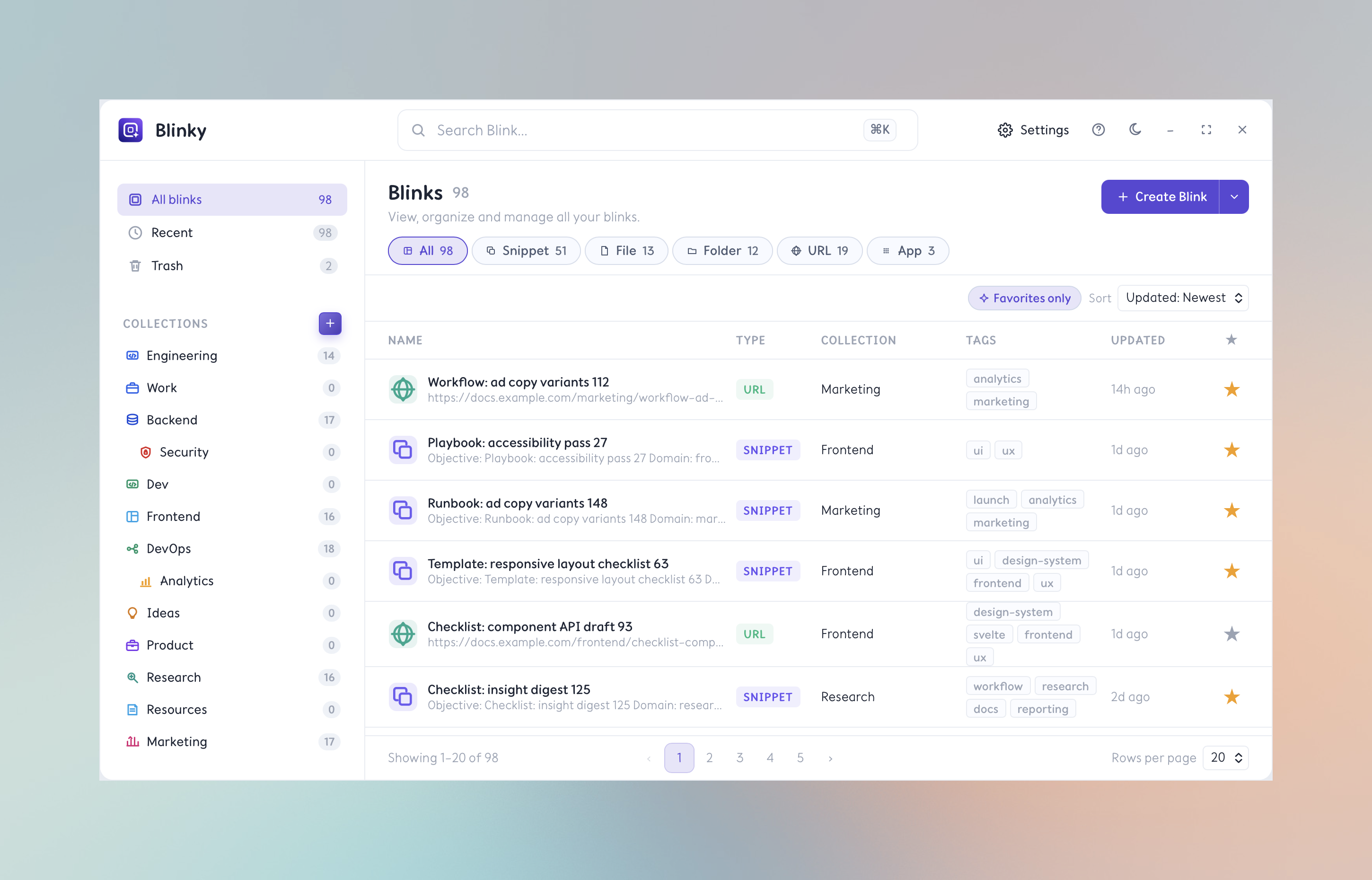
Create, edit,
and organize.
Open the Library from the Quick Panel or menu bar for a full view of your Blink Library. Browse, search, edit metadata, tag, and manage your collection with keyboard-first controls.
Capture anything instantly
Create Snippets from clipboard content. Save files, folders, URLs, or apps with a single action.
Edit and enrich metadata
Rename, retag, move to a collection, or update content — all from the Library's inline editor.
Search, filter, sort
Find Blinks by name, content, tag, collection, or type. Sort by usage, recency, or name.
Import and export
Backup your Blink Library or move it between machines. Data stays local and under your control.