03 — Collections
Organize into
Collections.
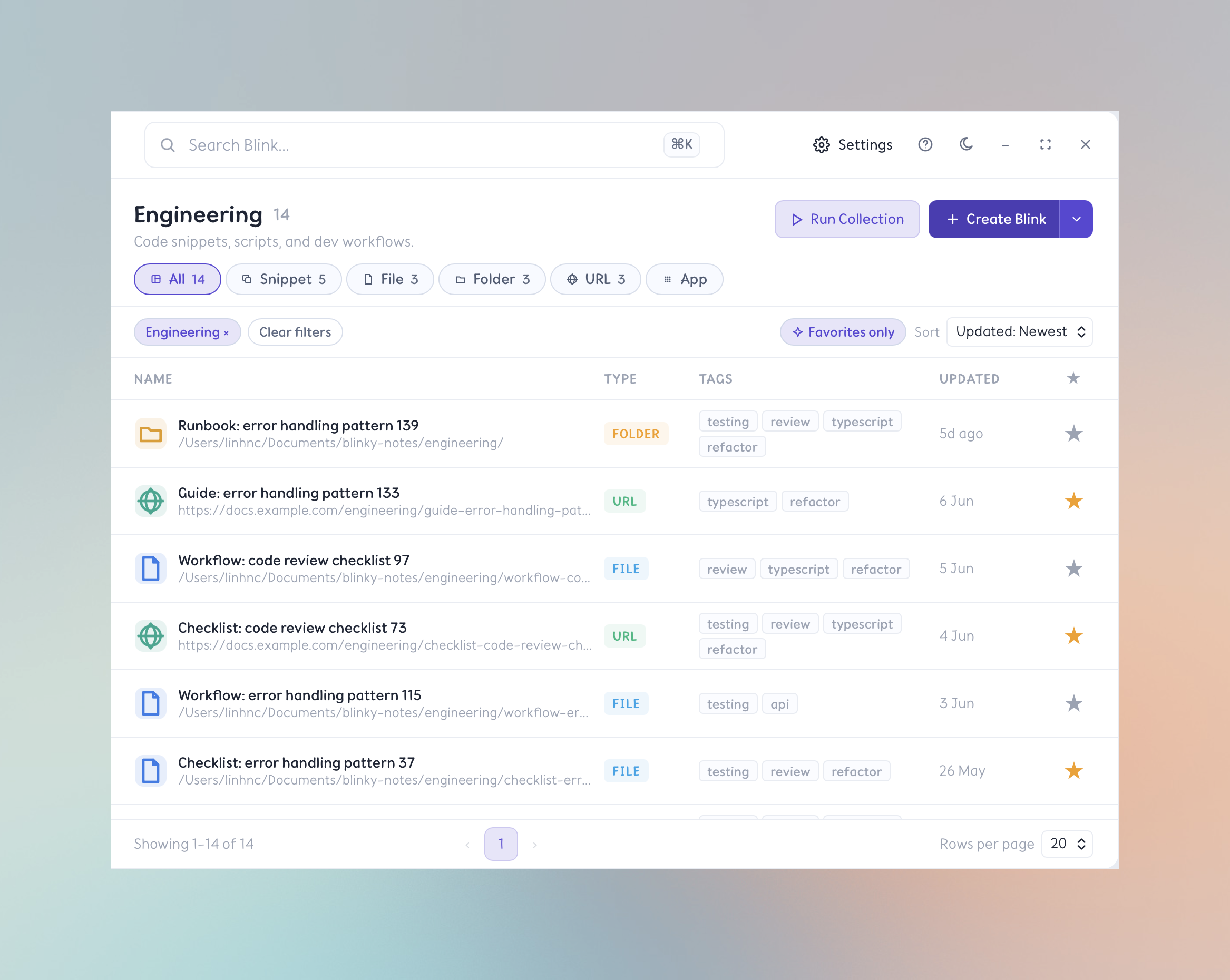
Group your Blinks into named Collections by project, context, or workflow. Jump into a context instantly — and run an entire Collection at once.
- Group Blinks into named Collections — Work, Dev, Personal, or anything you create.
- Assign any Blink to a Collection for sidebar navigation and filtering.
- Run all Blinks in a Collection at once — open every file, URL, or app in a workflow instantly.
- Keep projects and contexts separate so your Library never feels overwhelming.
Run all Blinks in a Collection simultaneously — open every file, URL, and app in a workflow with one command.